Is HappyMod Safe? Security Guide
October 10, 2026 (2 weeks ago)
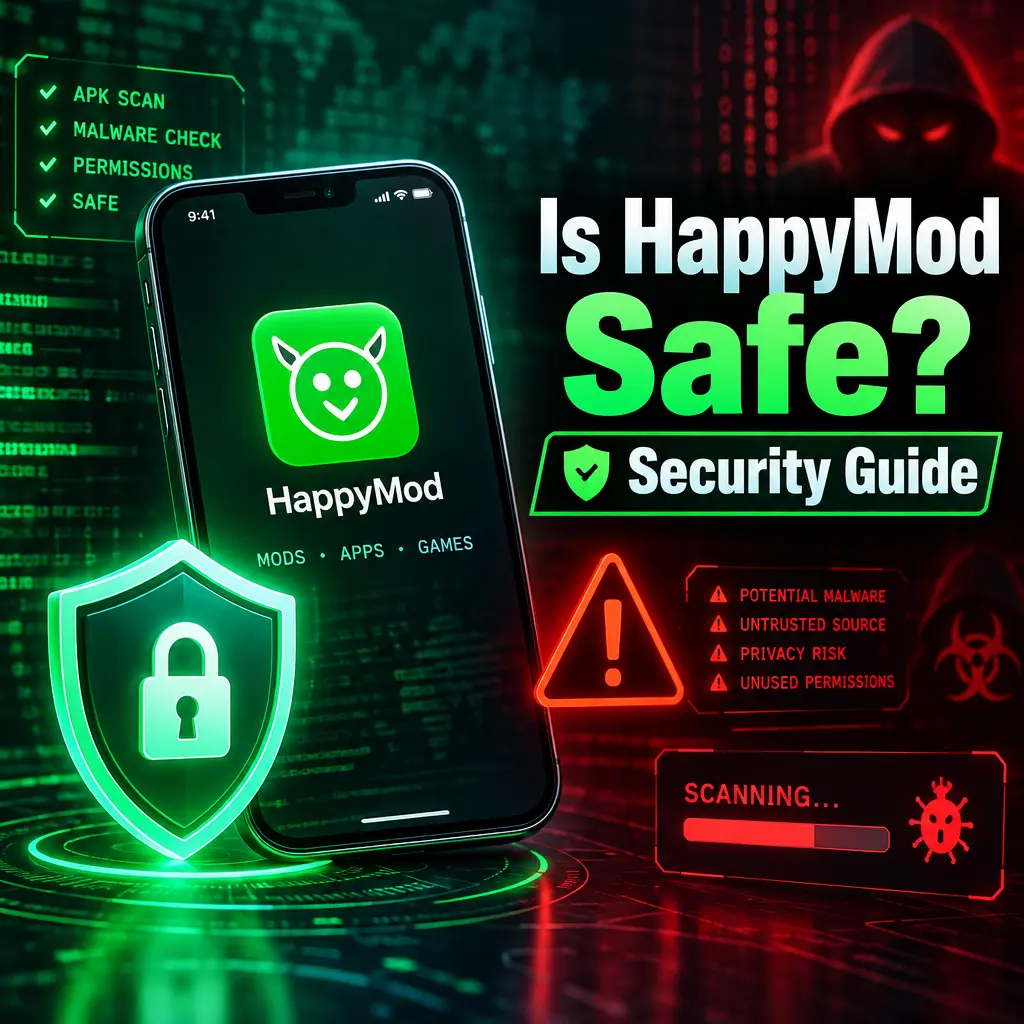
HappyMod is a popular marketplace for modified Android apps and games. It offers versions of apps with extra features, unlocked content, removed limits, and customizations that are not available in the official release. For many users, this sounds exciting. You can try premium features, get more coins in games, or customize an app in ways the original developer does not allow. But there is an important question every Android user should ask before installing it: is HappyMod safe?
The short answer is that HappyMod comes with real security and privacy risks. It is not available on the Google Play Store, it distributes modified APK files, and many of those apps are changed by third parties. That does not mean every file is automatically dangerous, but it does mean you need to be careful. This guide explains the main risks, what can happen to your data, and how to protect yourself if you decide to use HappyMod.
What Makes HappyMod Risky?
HappyMod works by offering modified versions of Android apps. These are usually called mod APKs. A mod APK is an app file that has been changed from its original version. The changes may unlock paid features, remove ads, add cheats, or bypass restrictions.
The problem is simple: once an app has been modified, you cannot easily know what else was changed. A mod may include useful features, but it may also include hidden code that tracks you, shows harmful ads, steals data, or installs other unwanted software.
- It is not verified by Google Play: Apps on the Play Store go through security checks. HappyMod apps do not follow the same review process.
- Mods come from third parties: You are trusting unknown people who changed the app code.
- Updates may be unsafe: A safe version today does not guarantee the next update is safe.
- Permissions can be abused: A modified app may ask for access to contacts, storage, camera, microphone, or location when it does not need them.
Security Risks You Should Know
The biggest security risk with HappyMod is malware. Malware is harmful software that can damage your device, spy on you, or steal information. Modified apps can be used to hide malware because users often expect them to behave differently from normal apps.
Some common threats include spyware, adware, data stealers, and fake login pages. Spyware watches your activity. Adware floods your phone with aggressive ads. Data stealers can collect passwords, files, banking information, or private messages. Fake login pages may trick you into entering your account details.
- Account theft: Some modded apps may ask you to sign in with Google, Facebook, or a game account. If the app is unsafe, your login details could be stolen.
- Device infection: A harmful APK can install background services that keep running even after you close the app.
- Financial loss: Malware can target payment apps, banking apps, crypto wallets, or stored card details.
- Game bans: Using modified games can break the game’s terms of service. Your account may be suspended or permanently banned.
Privacy Issues With Modified Apps
Privacy is another serious concern. Many Android apps collect some data, but modified apps can collect more than expected. Since you are not always downloading from the original developer, it is harder to know who has access to your data and what they do with it.
A modded app might request permissions that seem harmless at first. For example, storage access may allow it to read personal photos, documents, downloads, and screenshots. Location access may reveal where you live, work, or travel. Contact access may expose names and phone numbers of friends, family, and coworkers.
- Personal files: Photos, videos, PDFs, and downloads may be exposed if the app has storage permission.
- Location tracking: Some apps may collect your location in the background.
- Device information: Apps can collect your device model, Android version, IP address, and advertising ID.
- Behavior tracking: A modified app can monitor how you use it, what you click, and when you are active.
Privacy risk becomes even higher if you install many modded apps. Each one may collect different types of information. Over time, this can create a large profile of your activity and identity.
Why Google Play Protect May Not Be Enough
Google Play Protect can scan apps installed on your Android device, including APKs from outside the Play Store. This is helpful, but it is not perfect. Some harmful apps are designed to avoid detection. Others may look safe during scanning but activate harmful behavior later.
You should keep Play Protect turned on, but do not treat it as complete protection. It is one safety layer, not a guarantee. The same is true for antivirus apps. A good mobile security app can help detect threats, but no tool can promise that every modified APK is safe.
How to Check an APK Before Installing
If you still want to download apps from HappyMod, take a few steps before installing anything. These checks can reduce your risk, although they cannot remove it completely.
- Scan the APK file: Use a trusted malware scanner before installing the app. Services like VirusTotal can check a file with multiple security engines.
- Review permissions: If a simple game asks for contacts, SMS, microphone, or accessibility access, be suspicious.
- Check user comments: Look for reports of strange ads, crashes, unknown pop-ups, or stolen accounts.
- Compare app size: If the modded APK is much larger or smaller than the official version, it may include extra hidden code.
- Avoid unknown login screens: Do not enter passwords into modded apps unless you fully trust the source.
Safer Ways to Use HappyMod
The safest option is to avoid modified apps completely and use official app stores. However, if you choose to use HappyMod, you can lower the risk by keeping it separate from your main digital life.
- Use a secondary device: Try modded apps on an old phone instead of your main device.
- Do not use your main accounts: Create separate accounts for testing apps and games.
- Limit permissions: Deny permissions that are not clearly needed.
- Keep backups: Back up important photos, files, and chats before installing APKs.
- Update Android: Security updates fix weaknesses that malware may try to use.
- Uninstall suspicious apps: If your phone gets hot, drains battery fast, shows pop-ups, or slows down, remove the app immediately.
Warning Signs of an Unsafe Mod
Some warning signs are easy to notice. If an app behaves strangely after installation, do not ignore it. Many harmful apps rely on users waiting too long before taking action.
- Random ads appear outside the app.
- The app asks for accessibility permission without a clear reason.
- Your battery drains much faster than usual.
- Your phone becomes hot when idle.
- New apps appear that you did not install.
- Your accounts show unknown login attempts.
If you notice these signs, uninstall the app, run a security scan, change important passwords, and check your account activity. For banking or payment apps, contact your provider if you see anything unusual.
So, Is HappyMod Safe?
HappyMod is not as safe as official app stores because it deals with modified apps from third-party sources. The main risks are malware, privacy invasion, account theft, and data exposure. Some users may install apps from HappyMod without problems, but the risk is always higher than downloading the original app from Google Play.
If privacy and security matter to you, be very selective. Avoid apps that request sensitive permissions, never use your main accounts with modded apps, and scan every APK before installing it. HappyMod can be tempting because it offers unlocked features and customizations, but convenience should not come at the cost of your personal data. Treat every modified app as a potential risk, and only install it if you understand what you are allowing onto your device.
Recommended For You