HappyMod Mod Versus Beta: Before a Slow Download
November 26, 2026 (3 days ago)
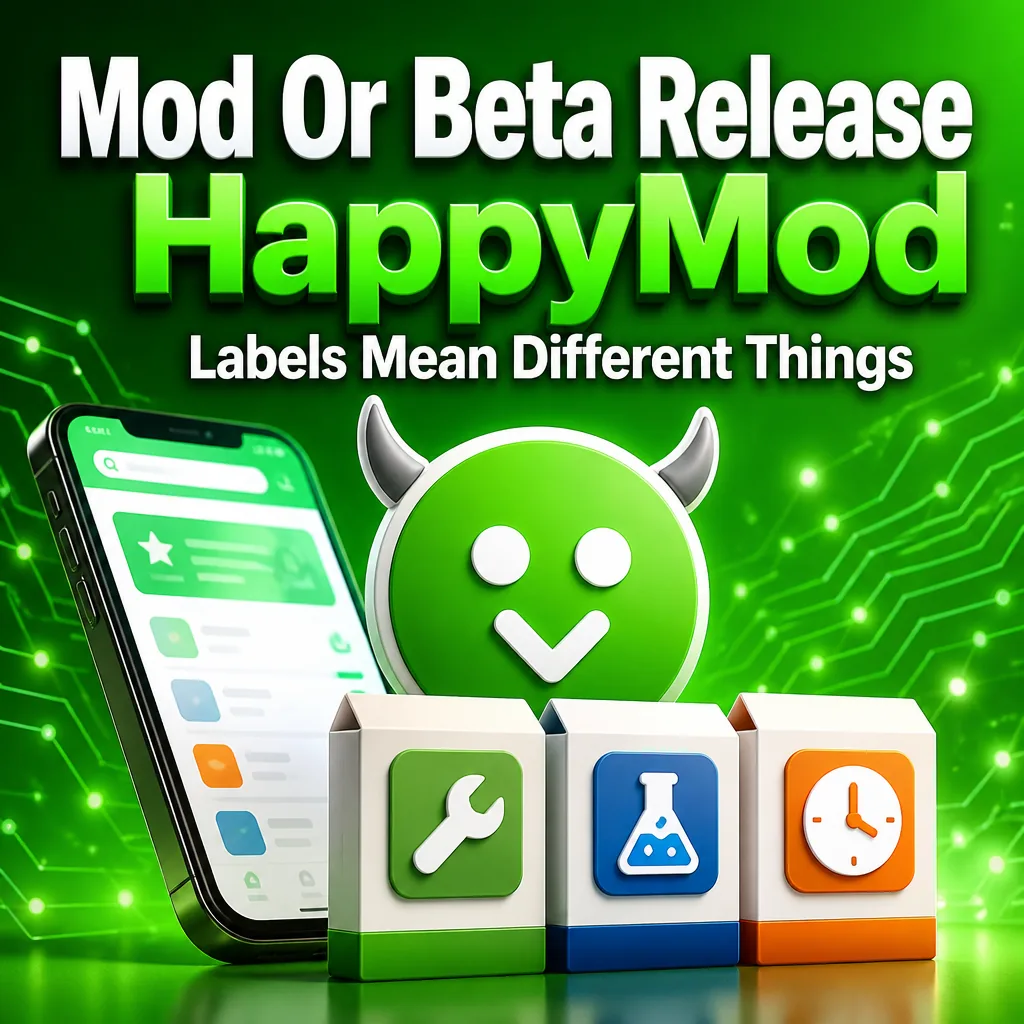
When your home wifi crawls, choosing the wrong APK can eat up the time you had for actually using it. You put the kettle on, come back, and the download is still going. HappyMod mod versus beta might sound like a choice between two rivals, but those labels answer different questions.
Neither label tells you which download will work best on your phone. Before settling in for a long wait, it helps to understand what you are comparing, rather than treating one word as a better bet than the other.
A mod label describes changes
A modified release changes an existing Android app or game. Its notes should explain what was changed, rather than leave the meaning of the mod label to guesswork. In a HappyMod mod versus beta comparison, mod describes changes, not how far development has progressed or how dependable the result will be.
On HappyMod, community uploads, testing, ratings and comments provide context for those changes, especially when reports describe whether the modified release behaves as its notes suggest. That context can make a listing more informative, but the label alone does not establish reliability. A description of the changes and relevant community feedback say more about the modified release than the word mod does by itself.
Beta and early access describe different release conditions
Beta generally signals a release that is being tested and refined. It may be usable, but parts can still change as problems are found and feedback is considered. The label describes a stage of development, not a promise that every function works reliably.
Early access generally means people can use a product before its broader or completed release. It describes when access begins. Development may still be ongoing, and the scope of what is ready can vary. It does not necessarily mean the same thing as beta.
Publishers use both terms differently. Neither label promises completeness, stability or a particular testing standard. In a HappyMod mod versus beta comparison, treat beta and early access as release descriptions with limited meaning on their own. Neither term establishes how thoroughly a release has been tested.
Compare what each label actually tells you
For a HappyMod mod versus beta comparison, read labels as descriptions, not scores. The table separates their meaning and possible overlap from checks that still need evidence.
| Release and main meaning | Possible overlap | What remains unknown and what to check |
|---|---|---|
| Modified: changes to an app | May also be beta | Reliability, compatibility, size: check comments, Android requirements and file details. |
| Modified: changes described in notes | May also be early access | Reliability, compatibility, size: compare notes, device reports and available storage. |
| Beta: released for testing | May be modified | Reliability, compatibility, size: review reported faults, requirements and APK size. |
| Beta: testing continues | May also be early access | Reliability, compatibility, size: check recent feedback, device details and storage. |
| Early access: available during development | May also be beta | Reliability, compatibility, size: review development notes, requirements and file details. |
| Early access: development continues | May be modified | Reliability, compatibility, size: check change notes, device reports and storage. |
A label alone cannot tell you whether that particular APK suits your phone or deserves the download time.
One APK can fit more than one label
A modified APK can be based on a beta release or an early access release. An early access release may also be described as beta, so a single file can carry all three labels without contradiction. In a HappyMod mod versus beta comparison, those terms describe separate aspects of the same APK rather than competing categories.
The underlying release details explain which development build the file comes from and how that release is described. The modification notes explain what has been changed from that base. Readers need both accounts: a beta label does not identify the modifications, while a mod label alone does not establish the release behind the file.
Look for evidence instead of a winning label
When comparing HappyMod mod versus beta, look for evidence you can connect to the APK you are considering. A rating offers a quick impression, but it does not explain what worked, for whom, or under which conditions.
- Modification notes: Look for a clear explanation of what the mod changes, rather than a broad claim that it works better.
- Same release: Check whether comments discuss the release you plan to download, not an earlier upload.
- Device conditions: Give more weight to reports that mention Android version, device model and relevant installation conditions.
- Recent detail: Prefer specific observations over brief praise, while remembering that older reports may no longer apply.
Community experiences can disagree because conditions differ. Therefore, treat comments as evidence to weigh, not proof. Neither positive feedback nor a familiar label establishes reliability.
Make a download decision before using your wifi
For a HappyMod mod versus beta decision, check the listing before committing your wifi connection to an APK download. Follow this order to catch practical problems early.
- Browse the relevant category in the mod library. Open the listing that matches what you want, then read the modification notes to understand what has changed.
- Check community ratings and comments. Look for reports of crashes, missing changes or installation trouble. Check whether comments refer to the file you plan to download.
- Check the listed file size. Decide whether the download is worth the wait, especially if your connection is slow or shared.
- Check available storage on your device. Allow room for the APK and installation, rather than assuming the download size is all you need.
- Read any stated Android or device compatibility details before downloading. Missing details mean uncertainty, not confirmation that the APK will work.
- Back up existing game progress where possible before making changes. If you cannot confirm a backup, consider whether losing progress is an acceptable risk.
- After downloading, scan the APK with antivirus. Review requested permissions before proceeding with installation. Stop if permissions seem unrelated to its purpose.
These checks reduce uncertainty. They do not guarantee safety, compatibility or preserved progress.
Include the next update in your decision
In your HappyMod mod versus beta decision, include the next update, not just the download in front of you. You need to update mods by hand, and a replacement APK could mean another large transfer. Before committing, consider whether you can spare the data and storage again if the current build stops working.
An update can also change compatibility with your device or affect whether your saved game progress carries over. Back up progress where possible, and check the notes and recent community comments before replacing your installed mod. A newer release, or one that has moved out of beta, does not automatically make a modified APK more dependable. If the release notes do not explain what changed or leave compatibility unclear, waiting for clearer information is a sensible choice.
Questions about release labels
Is a mod always a beta?
No. A mod describes changes to an app or game, while beta describes a testing stage. When you compare HappyMod mod versus beta, read the notes about what changed rather than assuming a modified APK is unfinished or fully tested.
Can early access also be beta?
Yes, you can see both labels on the same release. Early access tells you when people can get it, while beta tells you it is still in a testing stage. Neither label alone tells you how well that APK will work on your device.
Does leaving beta prove reliability?
No, leaving beta means the release is no longer labelled as beta, not that every problem has disappeared. You still need to read recent community comments, review permissions and back up your game progress. Treat the label as context, not a quality certificate.
Questions before a slow download
Is the smallest APK the best choice?
A smaller APK may take less time to transfer, but size alone does not tell you how well it works or what it changes. In a HappyMod mod versus beta comparison, check the modification notes and storage needs rather than treating the smallest download as the best choice.
Can community ratings predict whether it will work on my phone?
Ratings and comments can offer useful clues, especially when people describe their phone and Android version. Still, their results may not match yours because devices, settings and APK versions differ. Look for relevant reports, but treat them as guidance rather than a promise.
Should I download when modification notes are unclear?
You do not need to rush if the notes leave you unsure about what has changed. Waiting for clearer information or more detailed community comments is a practical choice, especially with a slow connection. It can spare you a download that does not suit your needs.
Spend a minute reading before spending time downloading
Take a minute with HappyMod mod versus beta. Modified describes changes. Beta describes a testing stage. Early access means availability before a broader or completed release. On slow home wifi, choose using clear notes, relevant community feedback, file size and available storage. No label alone proves greater reliability.
Ready to browse? Download HappyMod from the home page and explore the mod library by category.
Start with the details that matter. Visit the home page to download HappyMod when you are ready.
Keep reading
Recommended For You